Shaolin Sudoku : The Yin Yang
Sharpen your mind by crunching numbers in a relaxing way.

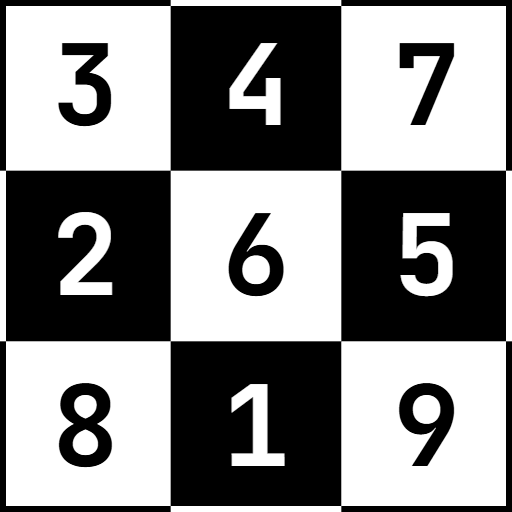
The Yin Yang is a concept of dualism. There must be some darkness in the light and some light in the darkness. Shaolin Sudoku borrows this idea and presents it in an aesthetic sudoku game.

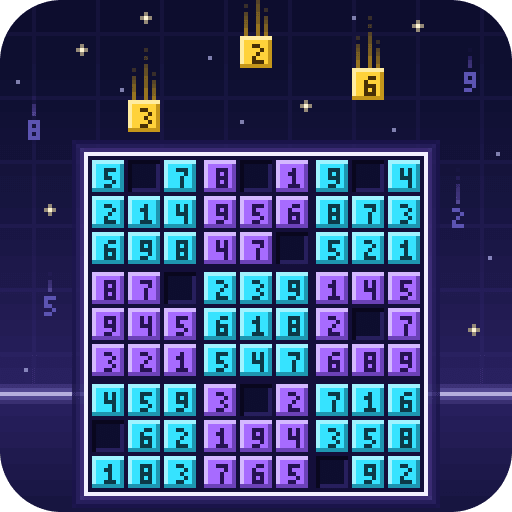
Sudoku is a logic based number puzzle. The objective is to fill the missing numbers in a 9×9 grid with the digits 1 to 9 so that each row, each column, and each 3×3 sub-grid has no duplicate numbers.
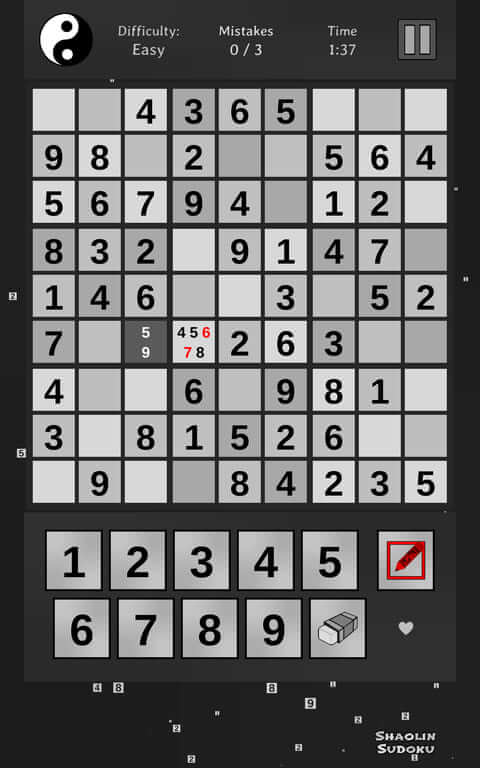
Shaolin Sudoku has the following main features :
- Sudoku generator : The game does not have a database of ready-made puzzles. Instead, it quickly creates entirely new puzzles with unique solutions, using our own sudoku library, SudokuGen.
- Custom difficulty mode : Input your own puzzle and start solving.
- Themes : 14 beautiful themes that reflect in the entire game.
- Auto save : Don't worry about losing your progress on an unfinished game, with automatic save you can continue where you left off.
- Statistics : View your best and average times for each difficulty level.
- Perfect fit : Displays perfectly regardless of screen size and aspect ratio.
- Sharing : Import and export puzzles with easily shareable links.
- Controller support : Support multiple input devices like keyboard, mouse, touch, gamepad, etc.
How to play
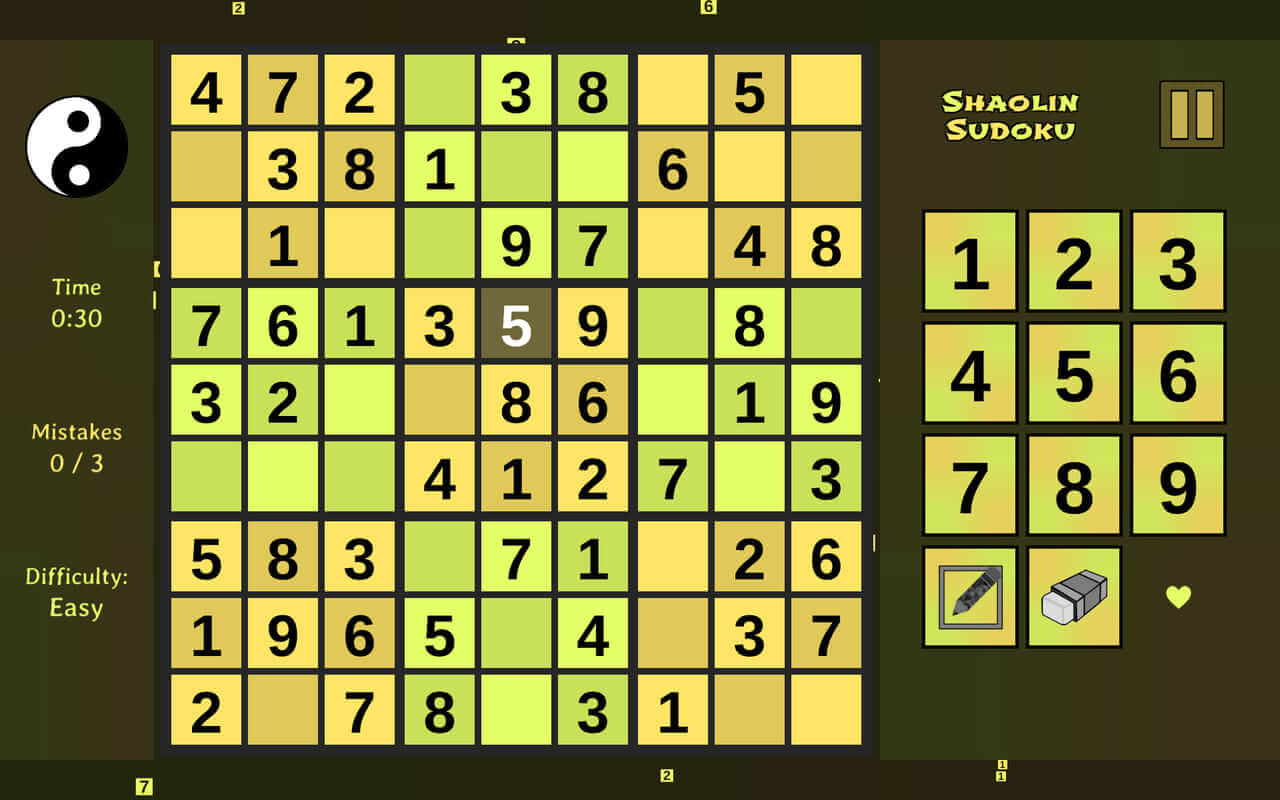
Choose Easy, Medium or Hard and press New Game, and a brand-new puzzle is ready in a moment. To solve a puzzle from a newspaper or a book, choose Custom and type it in. Continue takes you back to your unfinished game.
Select a square and pick a number to fill it in. The pencil turns on notes, so you can jot small candidate numbers in a square, and the eraser clears it. The game counts your mistakes, and you only get a few. A clock times every puzzle, and you can hide it in the menu if you would rather not race it.
It plays just as well with a keyboard or a gamepad :
- Arrow keys or WASD : move around the board and the menus.
- Enter or Space : press the selected button.
- 1 to 9 : fill in a number. 0, Backspace or Delete clears a square.
- Tab or N : turn notes on or off.
- Ctrl or K : switch between the board and the buttons.
- P : open the menu. Esc goes back.
- F11 : full screen.
- Gamepad : the D-pad or a stick moves, the bottom face button presses and the right one goes back, the left face button or the left shoulder switches between the board and the buttons, the top face button or the right shoulder turns notes on or off, and Start opens the menu.
Statistics and sharing
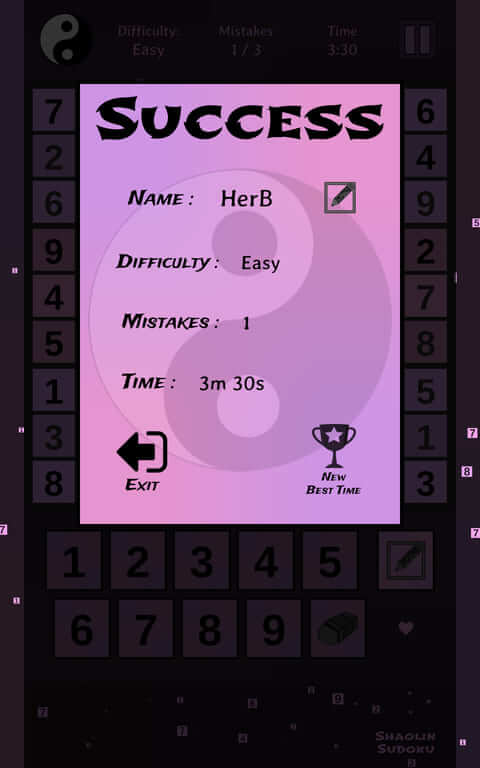
Solve a puzzle and the game shows your name, the difficulty, your mistakes and your time, with a trophy. The Statistics screen keeps a record of every game you play, with how many you solved and your average time, and you can filter it by difficulty.
Every puzzle can be shared as a link that carries its puzzle code. Export the one you are playing and send it to a friend, or import a puzzle that someone sent you. Our free SudokuGen web app opens these puzzle codes too, so a puzzle from Shaolin Sudoku can be played in any browser.
Want more puzzles? See our list of the best sudoku games.
Links :
 Google Play (unpublished)
 itch.io (opens in a new tab)
 Game Jolt (opens in a new tab)
 Crazy Games (unpublished)
If you like this article,